Why Your Team Is Using AI Wrong — And How One Session Changed That
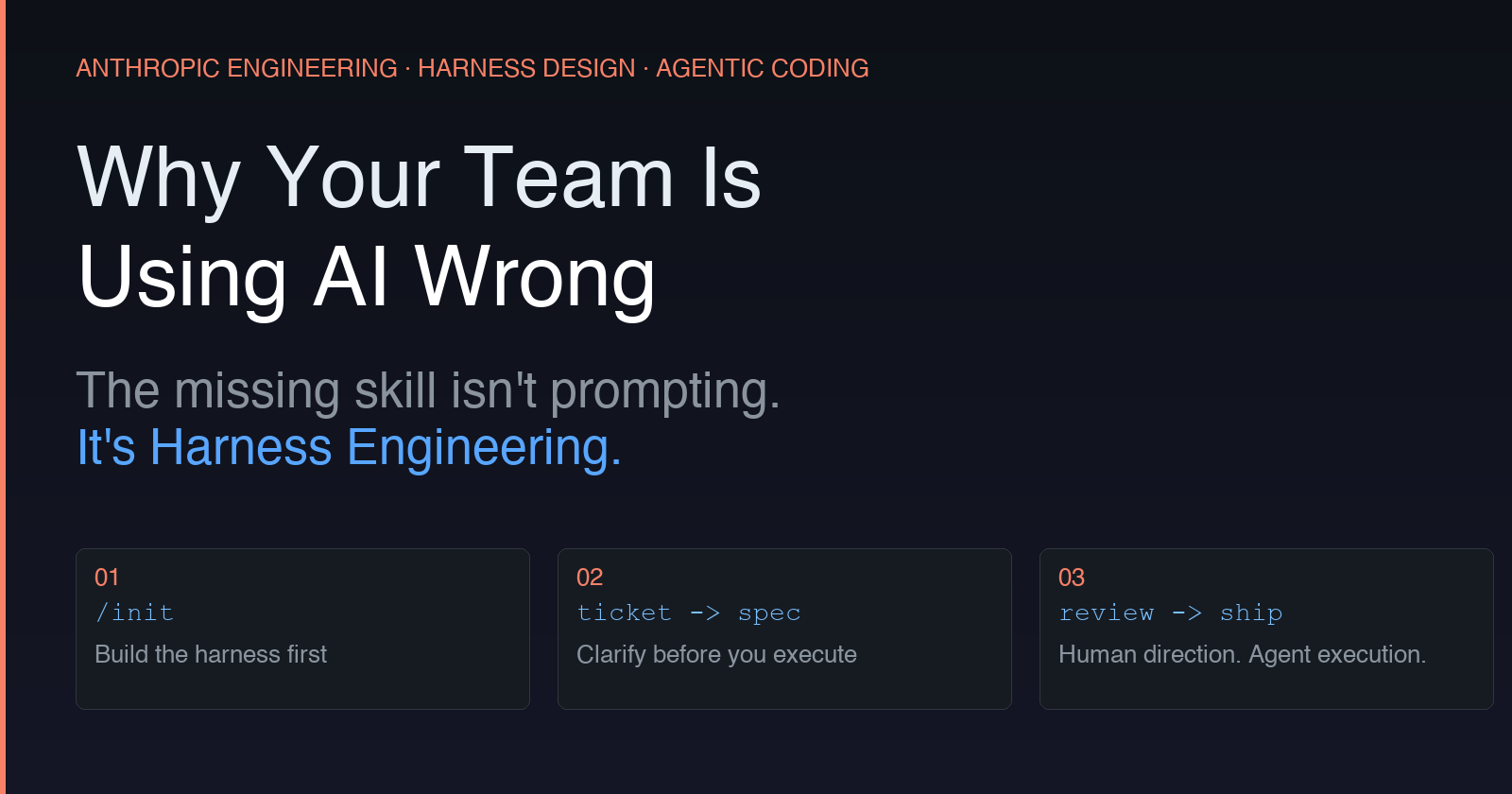
The missing skill isn’t prompting. It’s Harness Engineering.
Last week I ran an AI coding session at my company, walking the team through how I actually use Claude Code day to day.
What I discovered surprised me: the gap between people getting 10x productivity and people feeling like AI is overhyped isn’t about skill, intelligence, or even experience with AI tools. It’s about exposure to a good working model.
Most people have never seen what high-efficiency AI-assisted coding looks like. So they don’t know what they’re missing.
The concept: Harness Engineering
The industry is converging on a term for this: harness engineering. Both Anthropic and OpenAI engineering teams have published on the practice — the core idea being that engineering the environment an agent operates in matters as much as the prompts you give it. The insight is simple but profound: a capable model running in a poorly designed environment will consistently underperform. The harness — the initialization, the constraints, the structured context — determines whether your agent stays on task or goes off the rails. Most developers skip this entirely. They open a chat window and start prompting.
The workflow I showed them has three steps.
Step 1: /init — build the harness first
Before writing a single line of code, run /init in Claude Code. This is your harness initialization: the agent reads your project structure, tech constraints, and coding conventions, and creates a shared context that every subsequent session inherits. This is the difference between an agent that understands your codebase and one that's making educated guesses. Every engineer on the team working with the same initialized harness gets consistent, codebase-aware output. Skip this, and you're not doing AI-assisted development — you're doing expensive autocomplete.
Step 2: ticket → spec — clarify before you execute
A Jira ticket tells you what to build. A spec tells the agent how to know when it’s done. Before any implementation, work with the agent to convert the ticket into a proper spec: acceptance criteria, edge cases, integration points. During this process, the agent surfaces gaps in the requirements — things you hadn’t fully thought through. This isn’t extra work. It’s the planning that should have happened anyway, now with an agent that actively helps you find the holes. Anthropic’s research found that decomposing work into clearly-scoped units — rather than one-shotting a full feature — was one of the biggest levers for reliable agent performance. The spec is how you create those units.
Step 3: review the plan, then let go
Once the spec is solid, the agent generates an implementation plan. Review the plan — not the code, just the direction. Is the approach right? Does it account for what you care about? When you’re satisfied, let it run. Human sets direction. Agent handles execution. This maps directly to what Anthropic calls the “coding agent” pattern: give the agent a clear scope, let it make incremental progress, check back when it’s done.
The real insight
AI coding tools don’t underperform because the AI isn’t good enough. They underperform because we hand them vague inputs and expect precise outputs. The engineers on my team who already had strong spec discipline picked this up immediately. Those used to “figuring it out as they go” found it harder — not because of the AI, but because it exposed gaps in how explicitly they were thinking about requirements. That’s the uncomfortable truth about AI productivity: it amplifies your existing engineering habits. Good habits scale. Vague habits stay vague, just faster.
If you’re leading a team using AI coding tools
Don’t just give people access and hope for the best. Run a session. Show them what a properly initialized harness looks like. Let them see the difference between dropping a ticket into Claude and building a spec together first. The bottleneck isn’t the model. It’s whether your team knows how to engineer the environment it runs in.